
Best fit
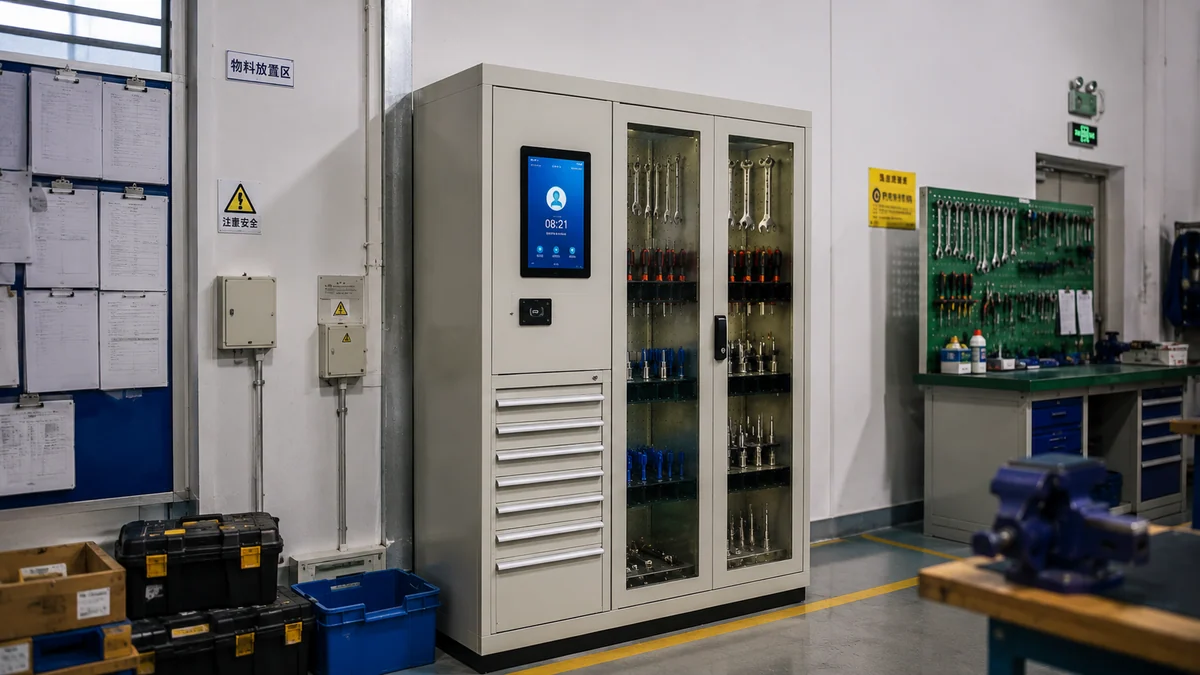
Tool rooms, maintenance rooms, aviation workshops and production tooling control.
Equipment detail
A smart cabinet structure for tool recognition, operator permission, check-in/out, missing alerts and audit records.
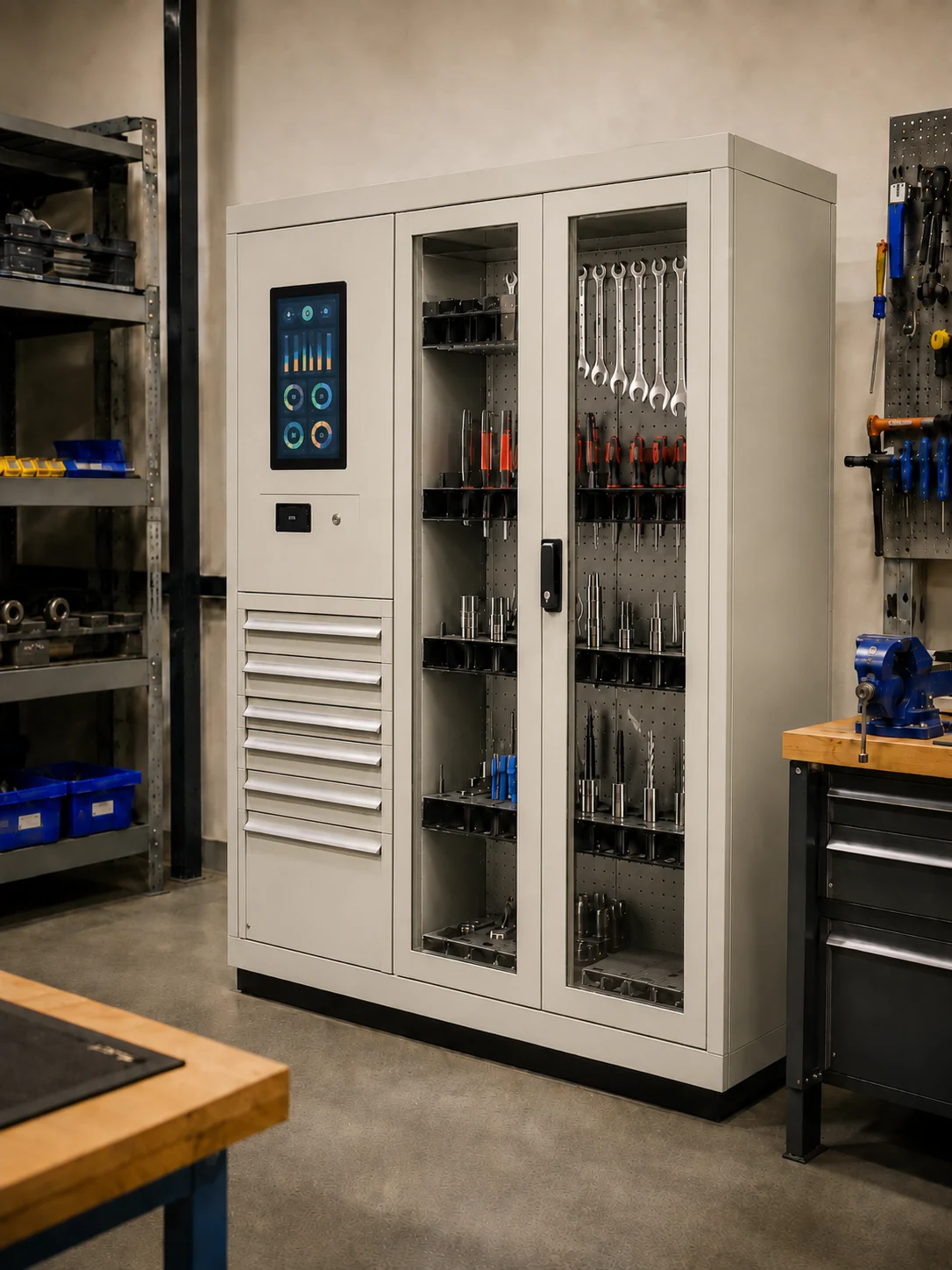
Start with the equipment role, the item range and the delivery form before moving into project review.
Tool rooms, maintenance rooms, aviation workshops and production tooling control.
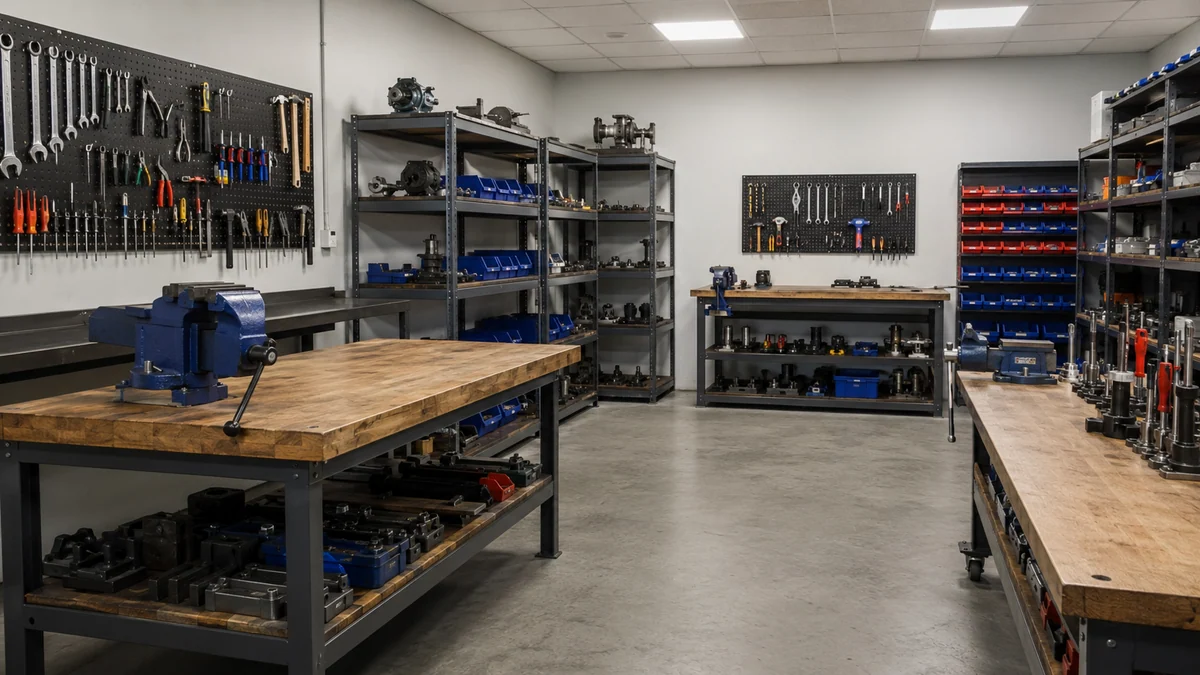
Shared tools, calibrated instruments, repair kits, torque tools and accountable production assets.

Standard cabinet route or project-based cabinet, lock, UI and API customization.
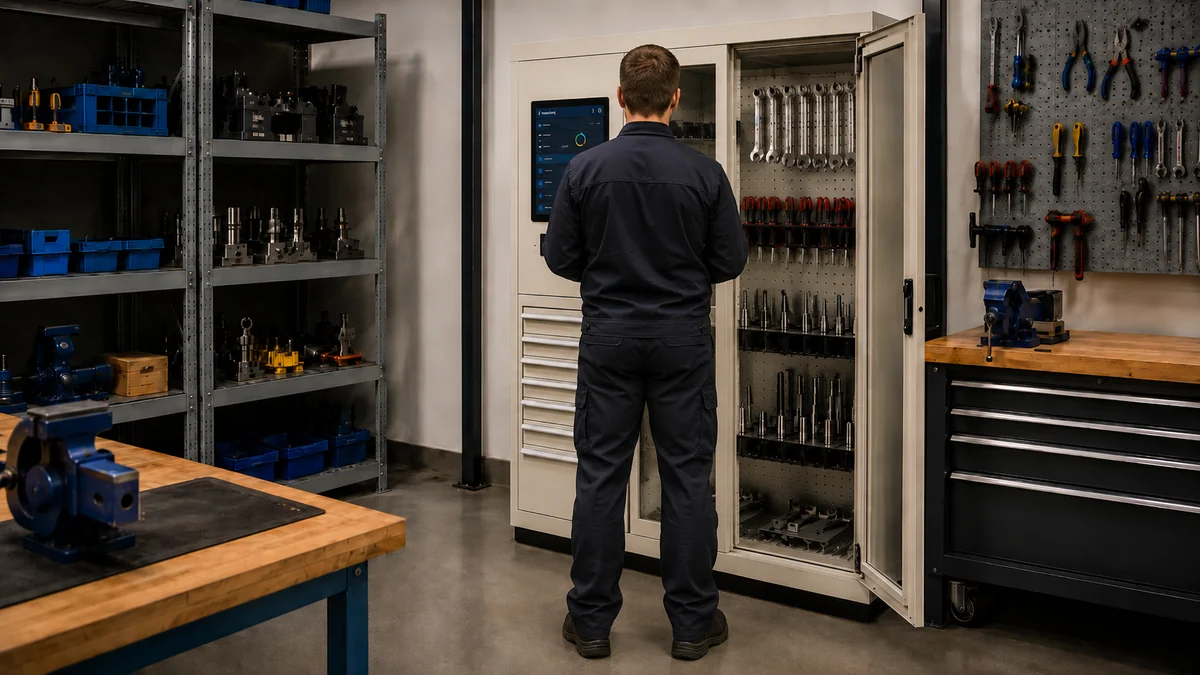
Tie each open, borrow and return action to a user identity and permission boundary.

Track tool presence and movement inside the cabinet instead of relying on manual counting.

Surface missing tools, overdue returns and rule violations in time for review.
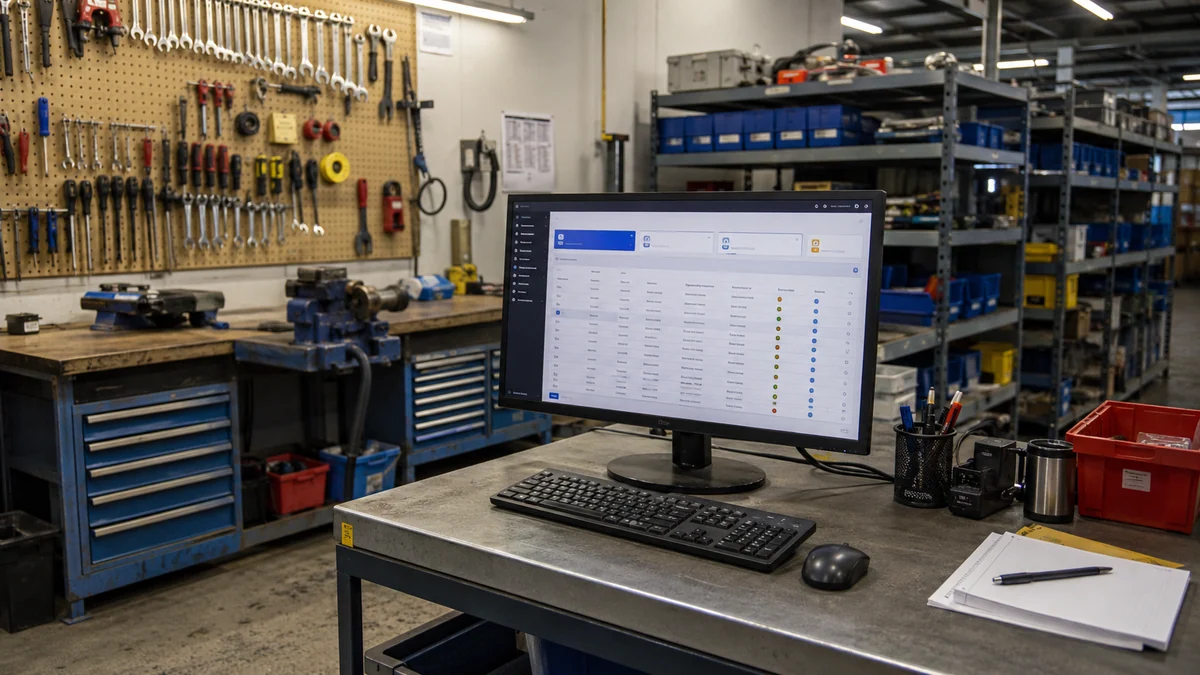
Push records, reports and project data outward through structured software output and API planning.
This section explains what the standard equipment product includes before optional modules or ODM scope are added.
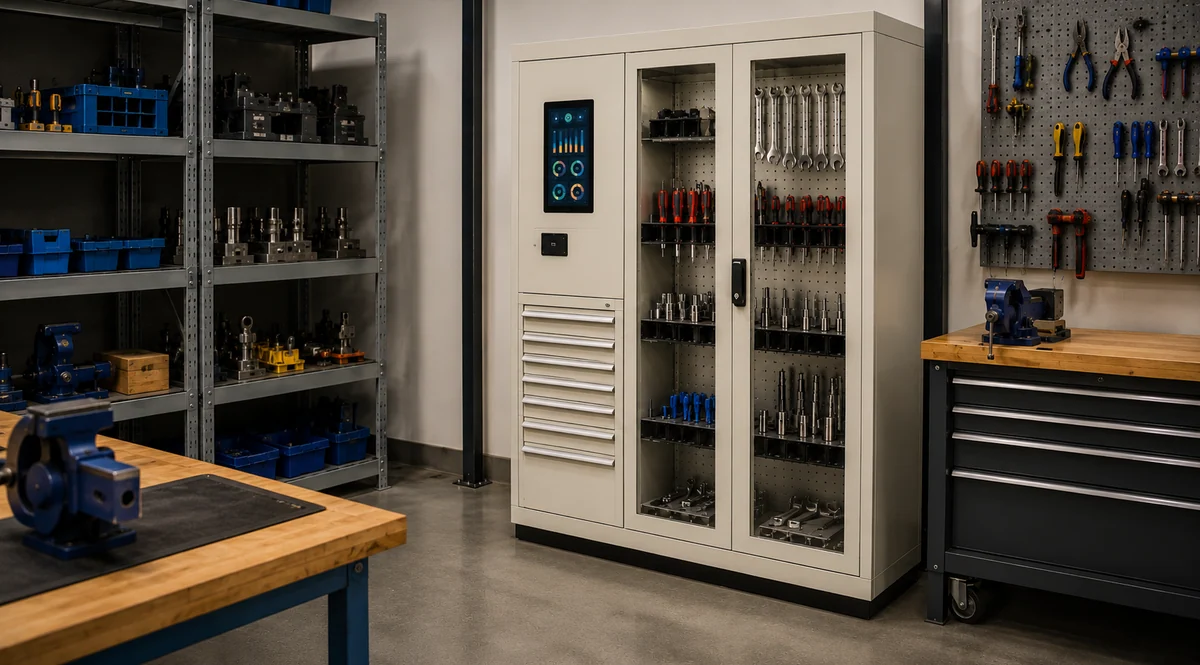
Cabinet body, shelf or drawer layout, power route, service access and lock-ready mechanical structure.

Reader, antenna arrangement, shielding logic and item-detection design for tool presence and movement.
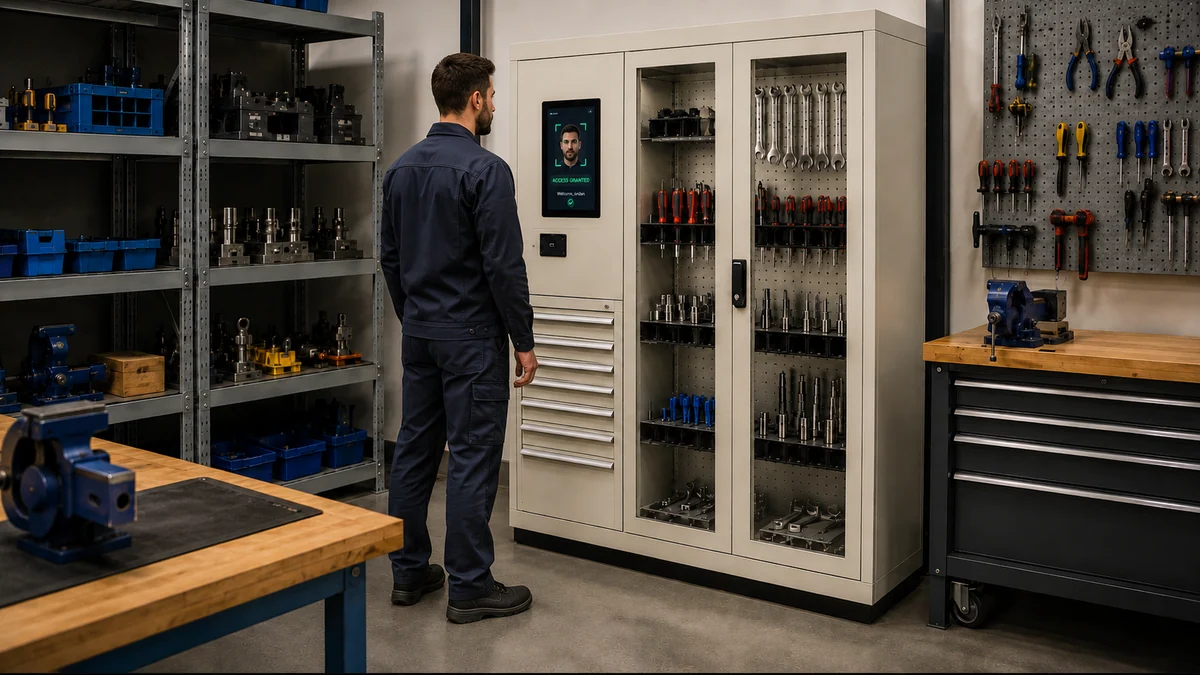
Badge, account or role-based access, local interaction and permission routing for borrow / return actions.
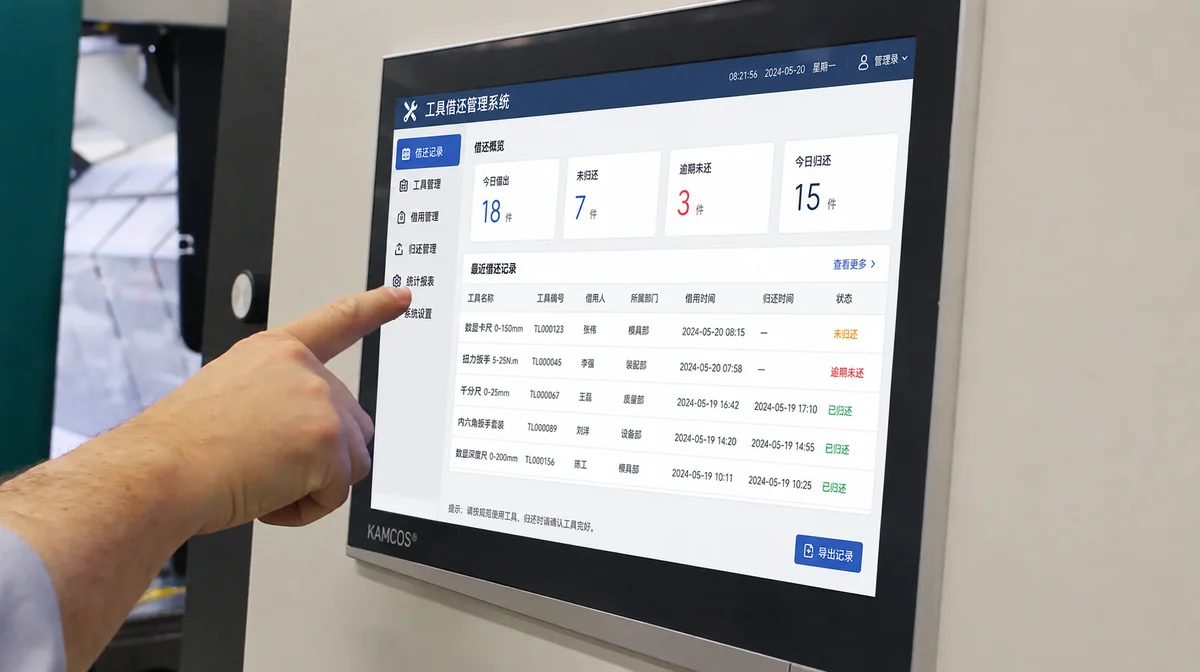
Borrow records, return status, missing alerts, exception logs, reports and host-system interface planning.
Use this section to separate standard supply from project-based extension, so the page behaves more like a real product page.
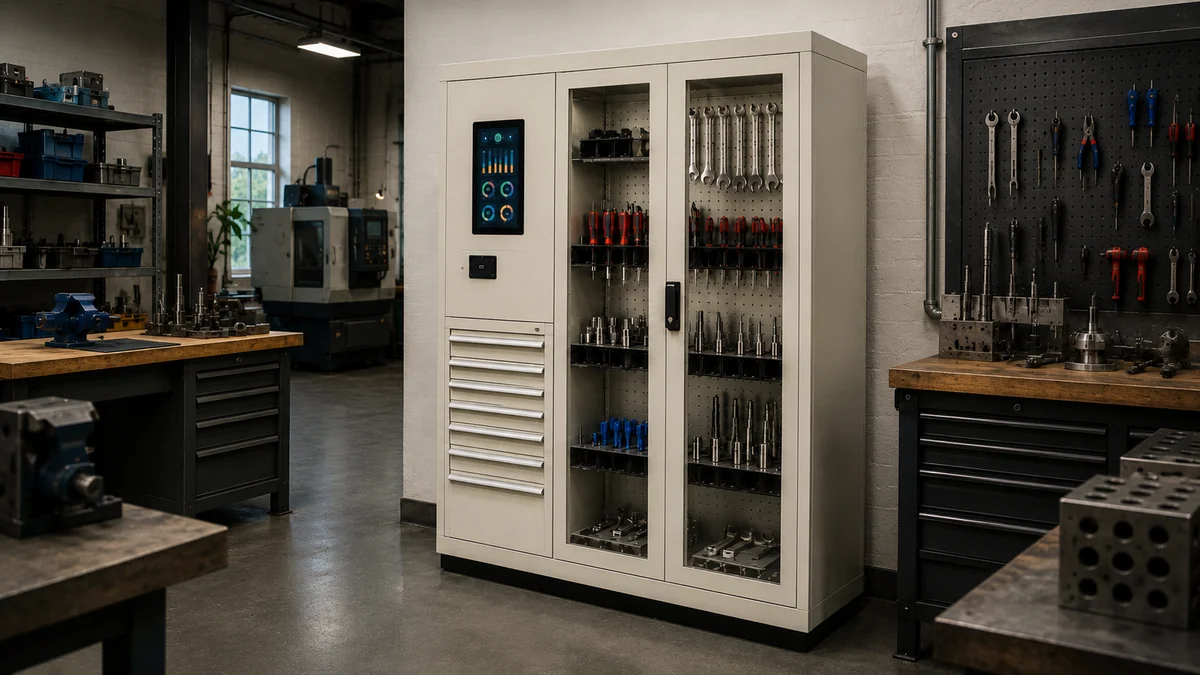
Door, drawer, shelf, compartment and mixed-storage routes based on item size and handling pattern.
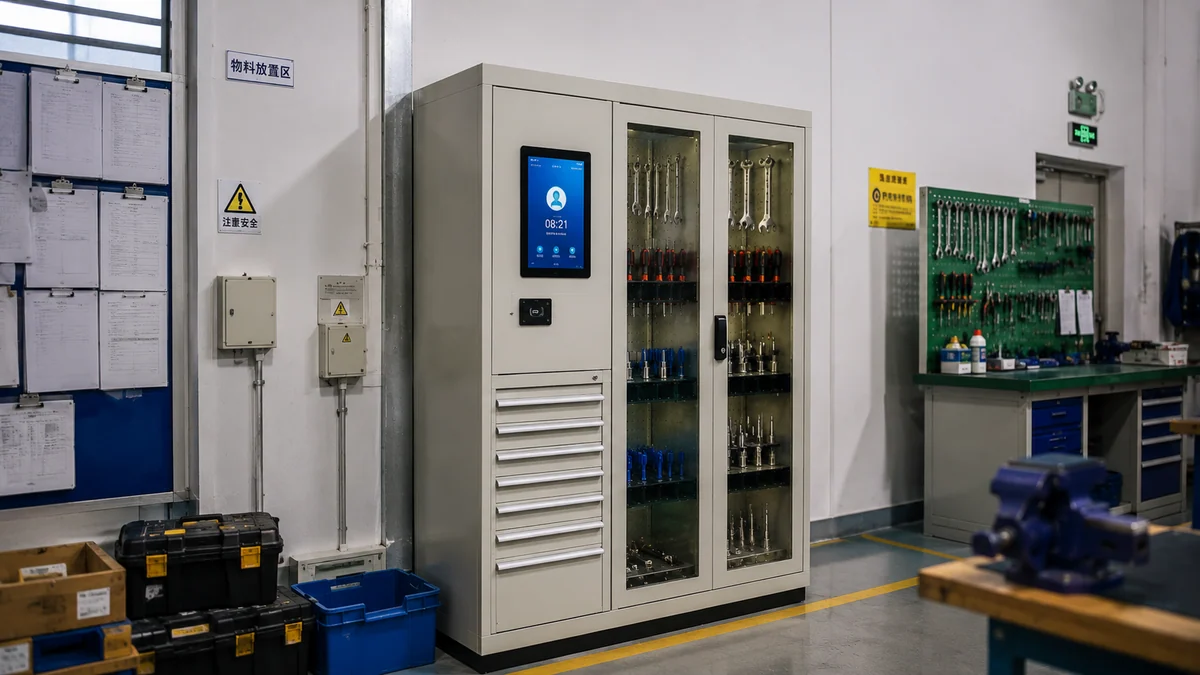
Badge, account, approval logic, multi-role routing and exception-review design.
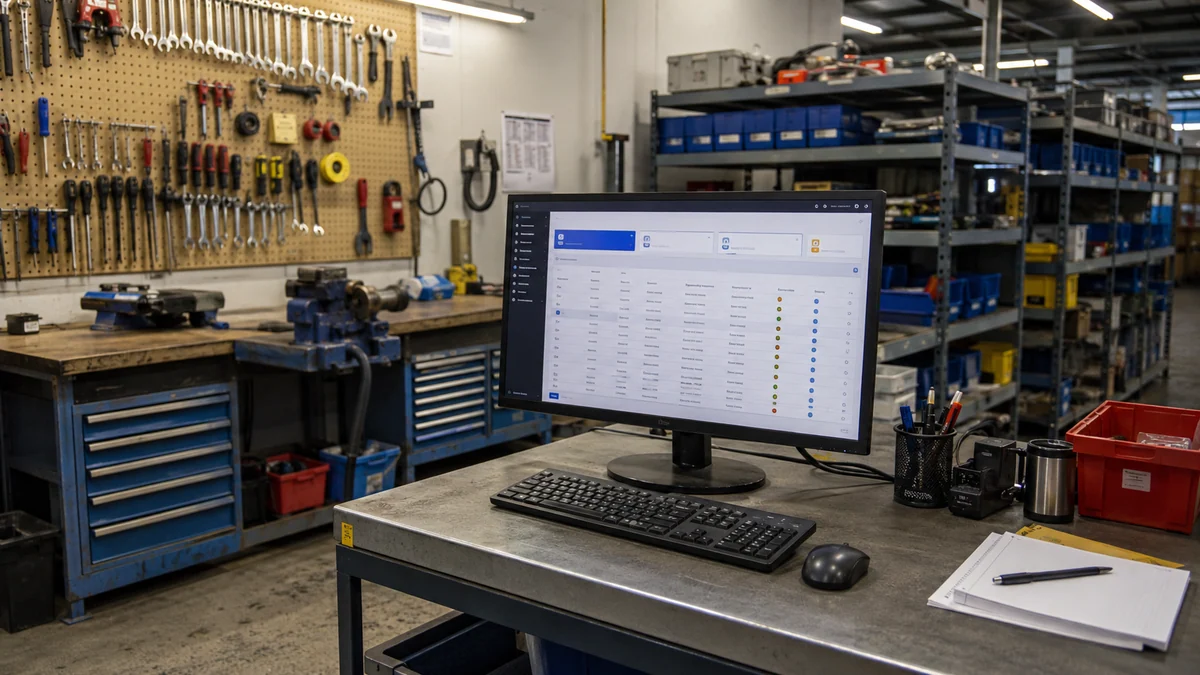
API field mapping, report structure, export logic and host-system integration scope.

Cabinet dimensions, brand presentation, UI flow, lock route and workflow adaptation for program delivery.
Use one combined system section to explain both management logic and the cabinet architecture behind the project.
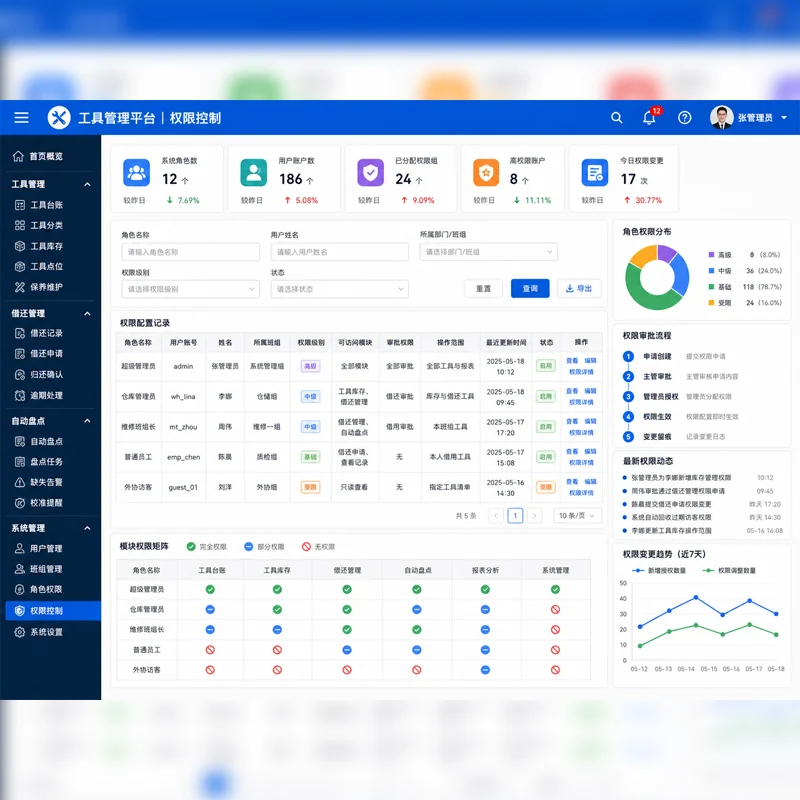
Show who can open, borrow, return or approve, with role logic and operator accountability.
Keep one specification block for engineering review instead of splitting key categories and parameter tables into two separate sections.
Use real working scenarios to show where the equipment fits, instead of leaving the page at a concept level.
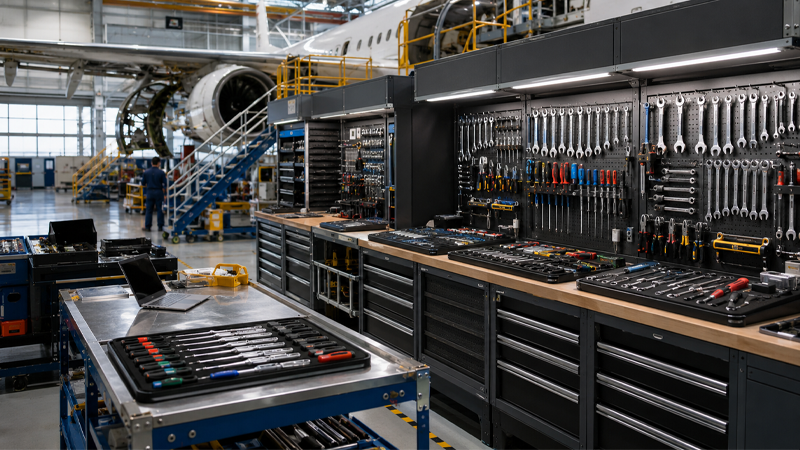
Centralized issue and return control for shared maintenance tools and repair assets.
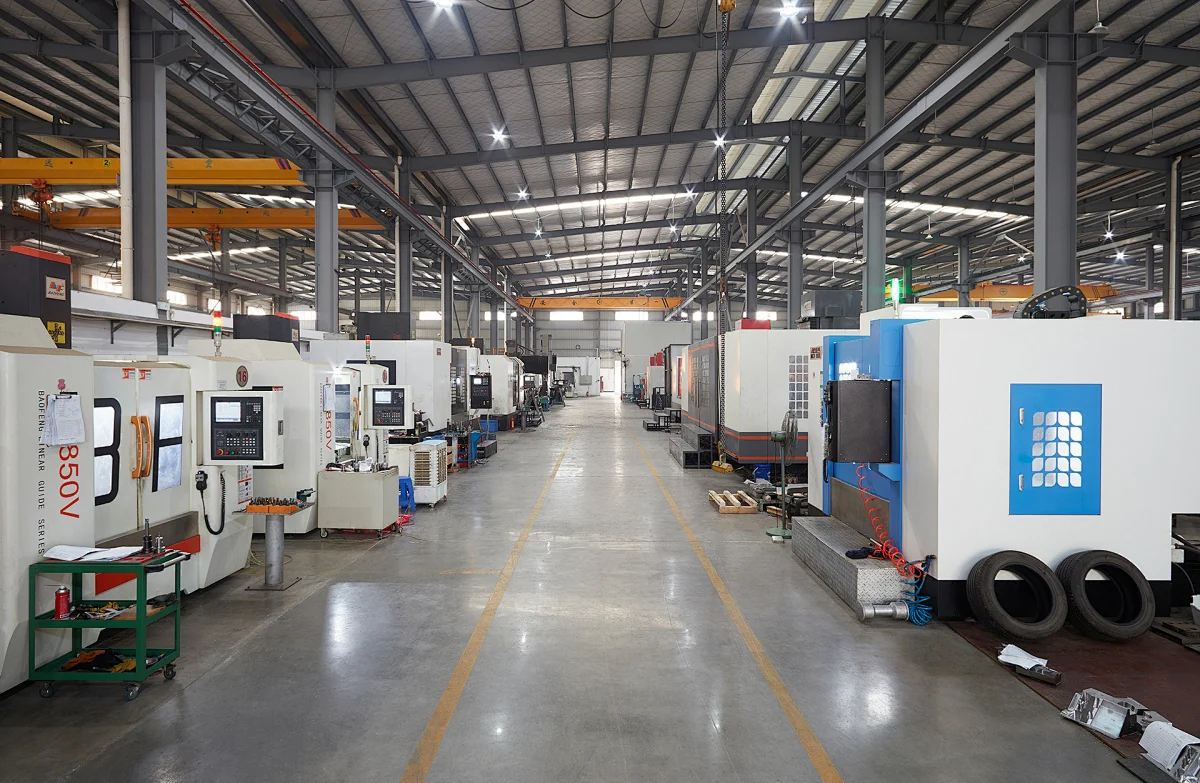
Tie operator identity, shift control and tool availability to workshop discipline.

Use accountable storage and exception review to reduce missing-tool risk in sensitive areas.
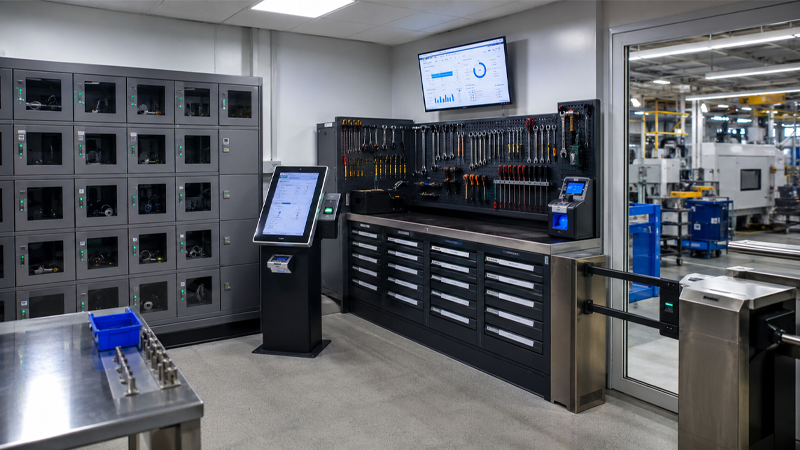
Extend the same cabinet logic to meters, electronics and accountable site equipment.
Use one bottom section to hold project downloads, common questions and the most useful adjacent routes.
Prepare item list, cabinet size, workflow rules and system fields before review.
Review tag strategy, read-zone planning, pilot expectations and acceptance boundary.
Use this route when the cabinet body, UI, workflow or branding needs project customization.
Next step
Use the equipment page to prepare project inputs, choose the next action, and move into engineering review.
Confirm whether the current cabinet route is enough, or whether layout and API review are still needed.
Confirm item list, cabinet constraints, workflow rules, and required output before quotation starts.
Move into brief submission, engineering review, or ODM discussion based on the project scope.