
Many assets across many places
Distributed offices, labs and equipment rooms make manual inventory slow.
Scenario detail
RFID identification for office assets, IT equipment, tools, archives and high-value item management.
Scenario overview
A fixed-asset RFID project must plan asset types, tag strategy, cabinet workflows, audit routines and system events together before rollout.
Distributed offices, labs and equipment rooms make manual inventory slow.
Item-by-item barcode scanning is easy to miss or repeat.
Borrow, transfer and scrap records can fall behind real movement.
Servers, tools and high-value devices need stronger verification.
Bind tag ID and asset code during registration.
Handheld or cabinet reads reduce manual item-by-item checks.
Keep issue, return, transfer and scrap actions traceable.
Track high-value assets and abnormal movement.
Typical application scenarios
Cover asset movement from offices to data centers, cabinets and archives.
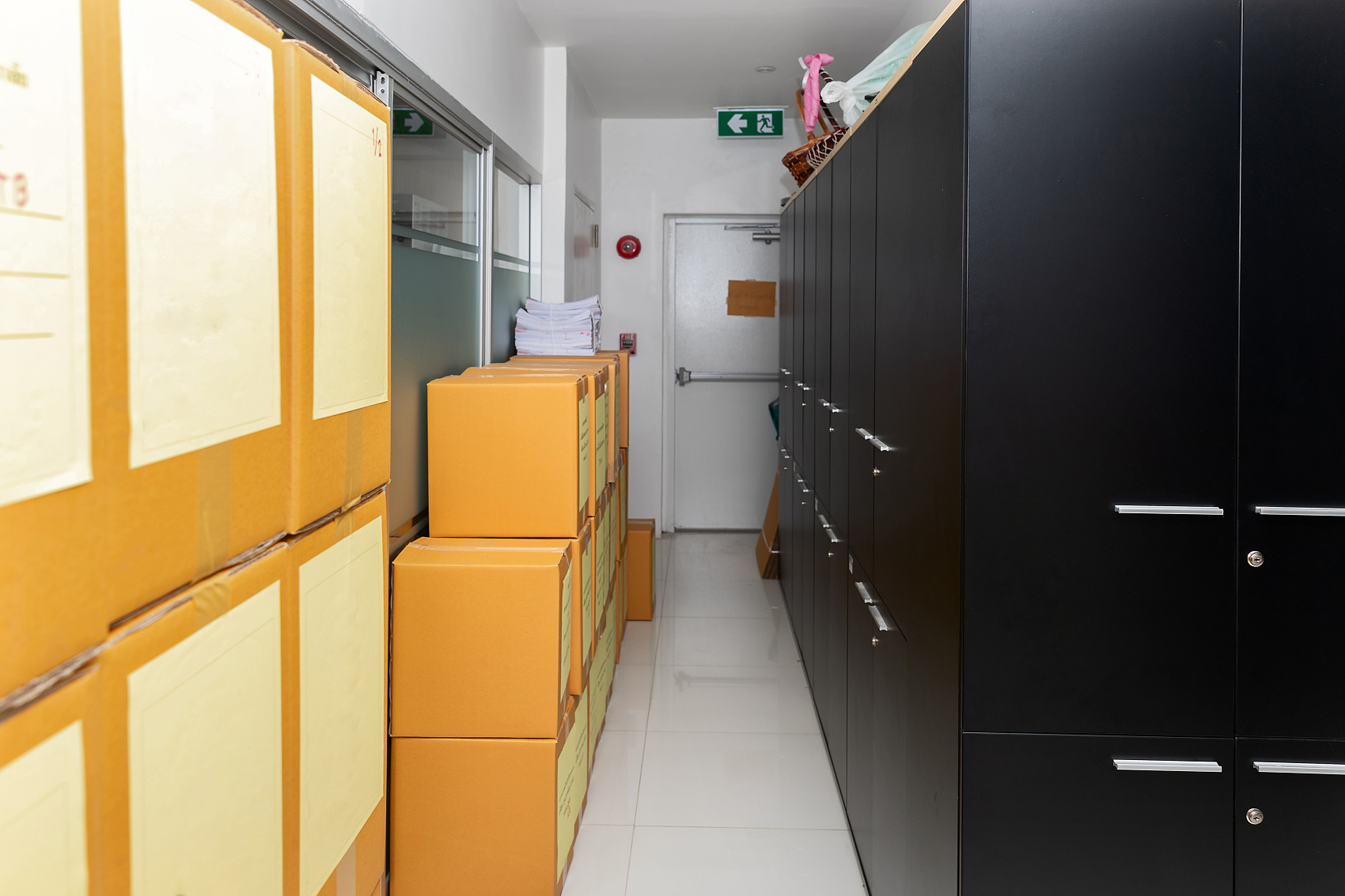
Track office, meeting-room and shared-area assets.
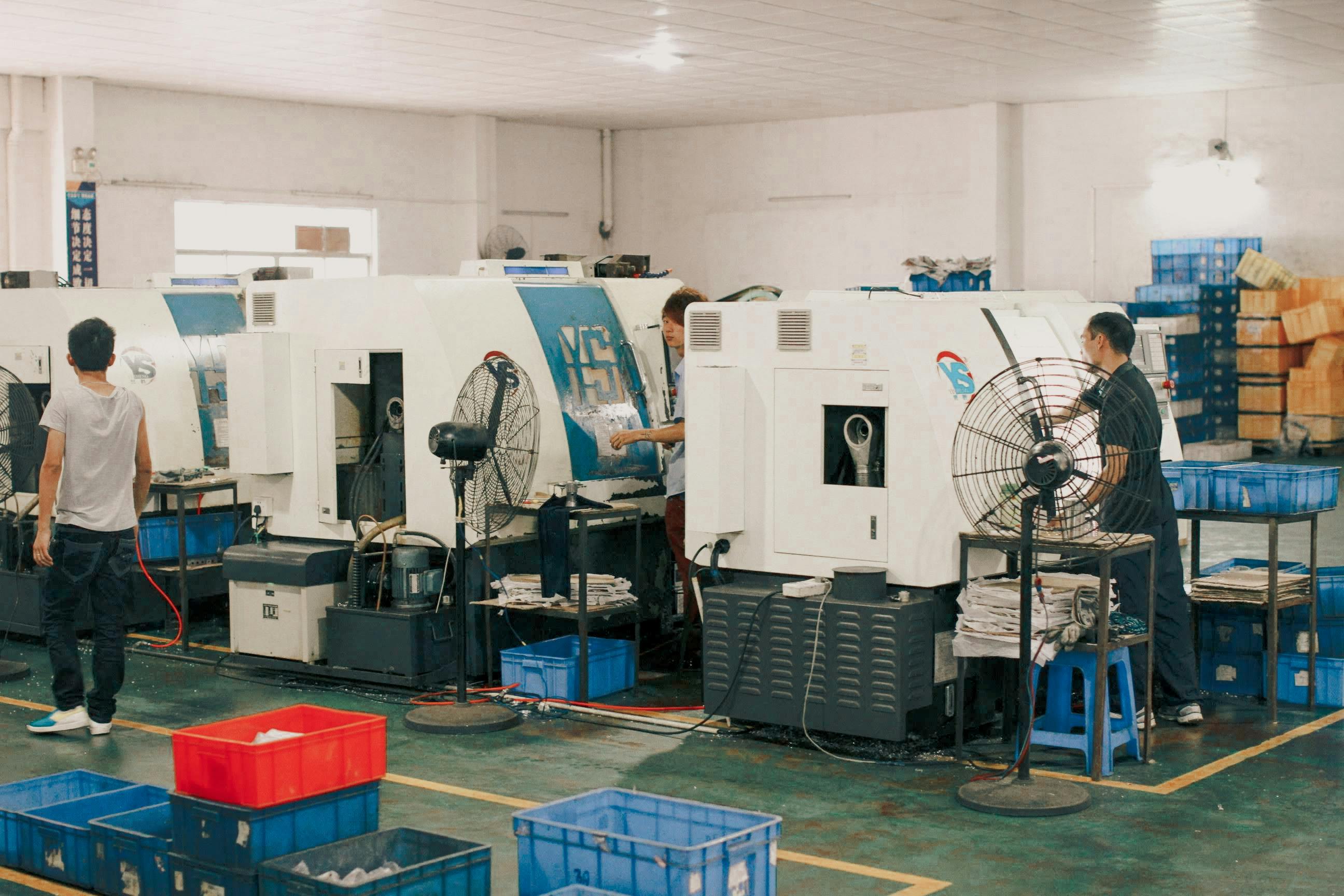
Manage servers, network devices and equipment-room assets.

Support distributed assets that require routine inventory.

Track responsibility for instruments, tools and consumables.
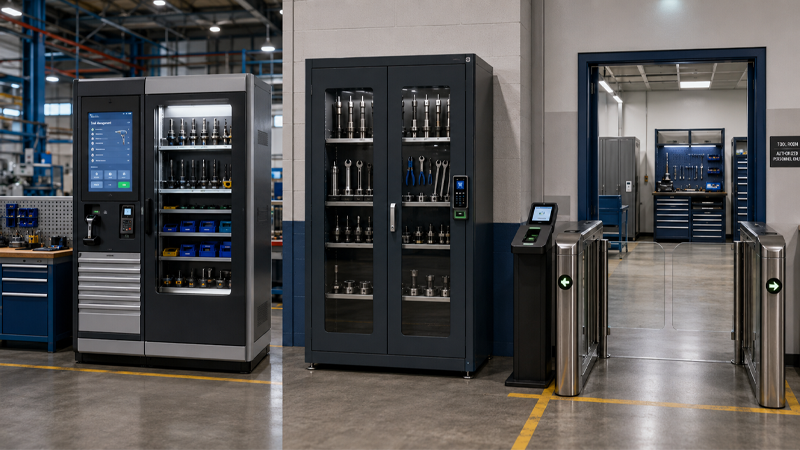
Automate borrow, return, door events and alerts.

Identify and verify archive boxes and document cabinets.

Record handover, transfer and exception events for rental assets.
Recommended product packages
Configure by inventory, filing, cabinet recognition and high-value entry/exit control.
Asset inventory RFID package
For offices, schools, hospitals, equipment rooms and labs.
Asset filing and tag initialization package
For registration desks, tag issuing points and batch initialization.
Tool / archive / cabinet package
For tool cabinets, archive cabinets, spare cabinets and smart borrow/return cabinets.
High-value asset entry/exit package
For data centers, labs and high-value equipment access points.
Typical deployment nodes
Fixed asset projects normally pass through these nodes.
Initialize tags, bind asset codes and register assets.
Use handheld terminals for periodic inventory and audits.
Use cabinet antennas or door reads for status capture.
Verify permission and exceptions at access points.
Write lifecycle events back to the system.
Interfaces and system integration
Asset projects often connect asset systems, CMDB, ERP, smart cabinets and custom platforms.
RFID handheld terminal, RFID desktop encoder, UHF fixed RFID reader, RFID asset tags
USB / Bluetooth / Wi-Fi / TCP/IP / RS232 / RS485 / GPIO
Asset system / CMDB / ERP / smart cabinet / custom platform
Applicable scenarios and evaluation boundaries
RFID fits fixed assets, cabinet recognition and high-value checks, but site boundaries need testing.
Fixed-asset inventory, cabinet recognition, borrow/return, filing and periodic audits.
Asset type, quantity, cabinet size, read distance and system interface.
Many metal assets, dense placement, tag shielding, entry/exit reads and cabinet cross reads.
OEM & ODM support
Customize handheld terminals, desktop encoders, cabinet structures and protocols.
Handheld terminal, desktop encoder, packaging and manual customization.
Demo changes, tag data presets and device parameter configuration.
Cabinet read-zone structure, borrow/return device integration and custom protocols.
Project implementation process
Confirm asset types and tag strategy before validation and pilot rollout.
Confirm asset type, distribution and management goals.
Choose tags by material and scenario.
Match handheld, desktop or fixed-reader routes.
Validate read distance and usability on site.
Check filing, inventory and borrow/return workflows.
Connect asset systems or smart cabinet platforms.
Cover a small asset set or single area first.
Scale after pilot validation.
Testing and validation support
Validate tag samples, cabinet reads, dense placement and system compatibility before rollout.
Check fit for metal, plastic and card-like assets.
Verify cabinet, desktop and entrance/exit nodes.
Check read distance, response and system compatibility.
FAQ
Common asset-management questions before project validation.
RFID supports non-contact batch reading, making fast inventory and cabinet workflows easier.
Yes, but on-metal tags and field validation are usually required.
Yes. Integration can use USB, Bluetooth, Wi-Fi, TCP/IP or serial interfaces depending on device type.
Yes. Frequency bands and interface details should be confirmed by project region.
Start asset review
We will recommend the reader, antenna, tag and software integration package before sample or quotation.